
Poor inventory visibility
See what is in stock, what is running low and what needs to be reordered from one system.

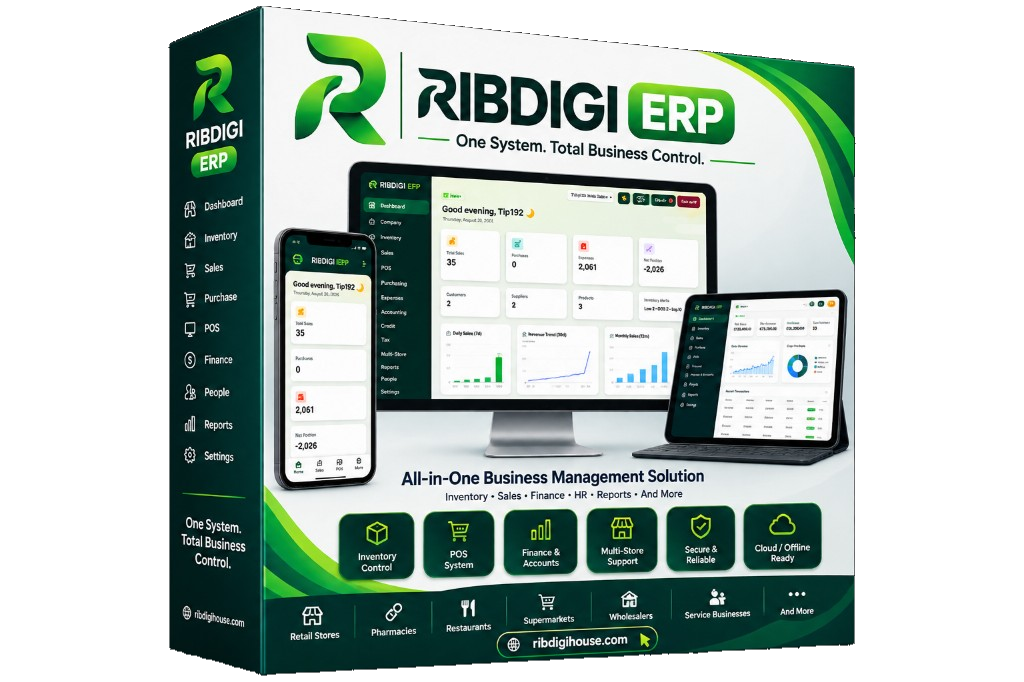
Ribdigi ERP helps businesses manage sales, inventory, purchases, customers, suppliers, expenses, accounts, reports and day-to-day operations from one system.
Built for retail shops, mini marts, supermarkets, pharmacies, restaurants, bakeries, wholesalers, distributors and growing multi-branch businesses.
Business problems
Ribdigi ERP is designed to replace guesswork with records you can actually use.
See what is in stock, what is running low and what needs to be reordered from one system.
Replace scattered notebooks and spreadsheets with structured sales, stock and finance records.
Record sales, invoices and POS activity so performance is easier to review.
Use stock levels, alerts and transfer records to reduce guesswork in purchasing.
Capture expenses and income as part of daily operations instead of reconstructing them later.
Keep customer and credit records together so outstanding balances are easier to follow.
Manage stores, branches and warehouses from a central business system.
Use operational data to produce reports owners and managers can actually use.
Assign roles and permissions so staff only see and do what their job requires.
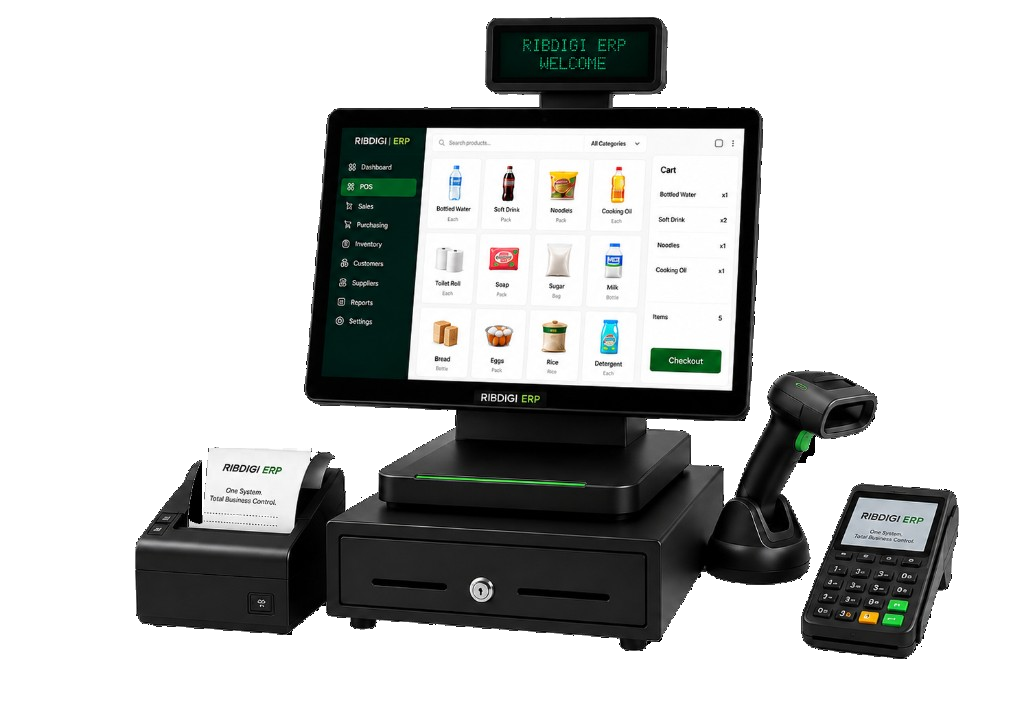
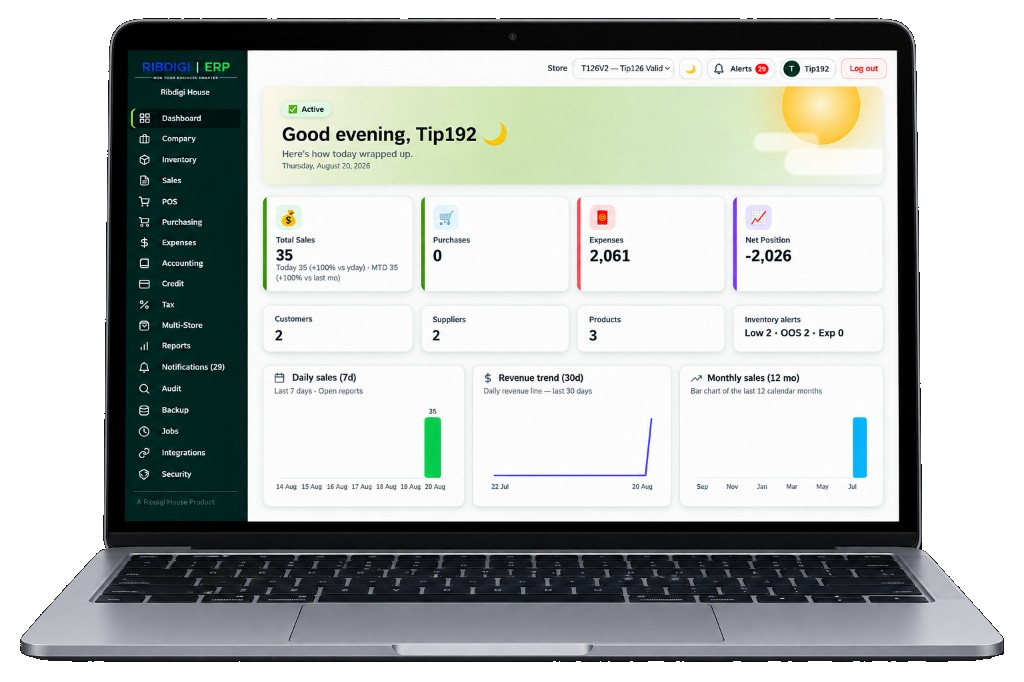
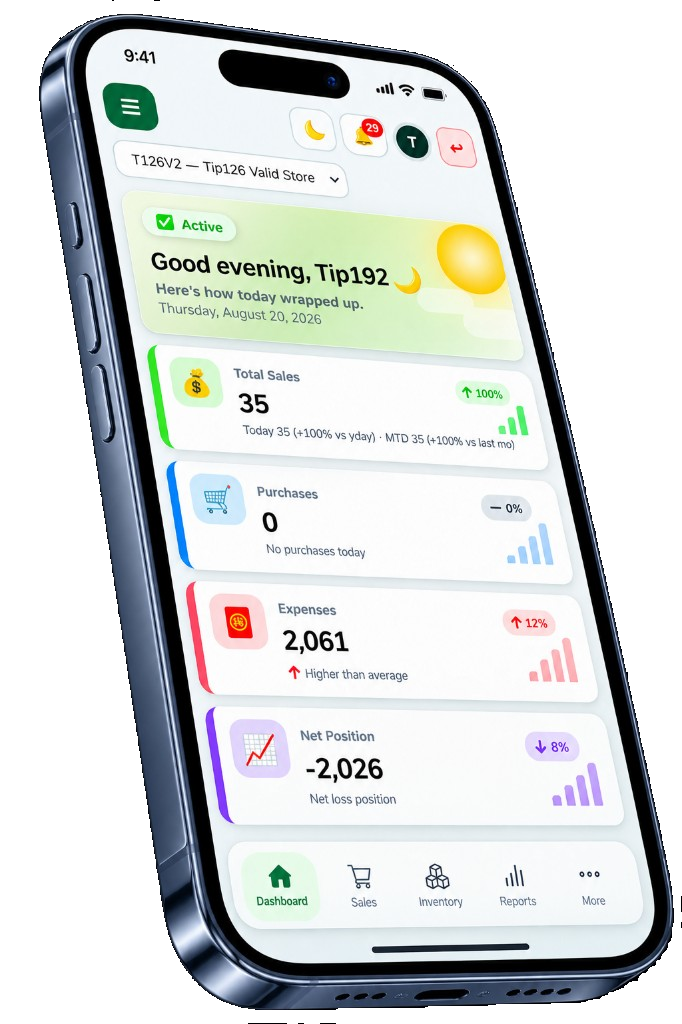
A shop-floor POS for serving customers, a laptop dashboard for running the business, and a mobile view for checking the day's trading.
ERP modules
Industry solutions
POS, products, inventory, suppliers, customers, expenses and reports for everyday shop operations.
Large product catalogs, barcode operations, stock management, purchasing and reporting.
Inventory, batch and expiry monitoring, suppliers, sales and stock alerts.
Restaurant-oriented sales, items, inventory, purchasing and operational management.
Ingredients, inventory, production-related operations, sales, purchasing and expenses.
Customers, suppliers, inventory, warehouses, purchasing, sales, credit and reporting.
Security
Ribdigi ERP is designed so different businesses keep their own records, and so staff only receive the access their role requires. We describe security in terms of controls that exist in the product design — not as a promise that any system is risk-free.
Users can be limited to the screens and actions their job needs.
Staff sign in with their own accounts instead of sharing one login across the shop.
Important activity can be reviewed so managers have a clearer record of who did what.
The product is designed so one company’s data is kept separate from another company’s data.
Access, permissions and operational records are structured around the business, not around a single shared spreadsheet.
Deployment will be confirmed with you. This website does not advertise cloud, offline or sync capabilities until they are verified for the version you will use.
FAQ
Ribdigi ERP is business management software from Ribdigi House. It is designed to help you manage sales, inventory, purchases, customers, suppliers, expenses, accounts and reports from one platform.
It is intended for retail shops, mini marts, supermarkets, pharmacies, restaurants, bakeries, wholesalers, distributors and growing companies that need tighter control of daily operations.
Yes. The product is designed to help businesses manage stores, branches and warehouses from a central system. We will confirm the right setup for your locations during a demo.
Yes. Point of Sale is part of the sales capability, alongside invoices, quotations and sales returns.
Yes. Products, stock levels, adjustments, transfers, low-stock monitoring and expiry monitoring are part of the inventory and stock design.
Yes. Roles and permissions are used so staff only receive the access their work requires.
Use the Request ERP Demo form, call 0302 944 376, email info@ribdigihouse.com, or message us on WhatsApp. We will follow up to understand your business and arrange a walkthrough.
in actionRequest a demo or speak with sales. We will walk through the modules that match your business, not a generic tour.